
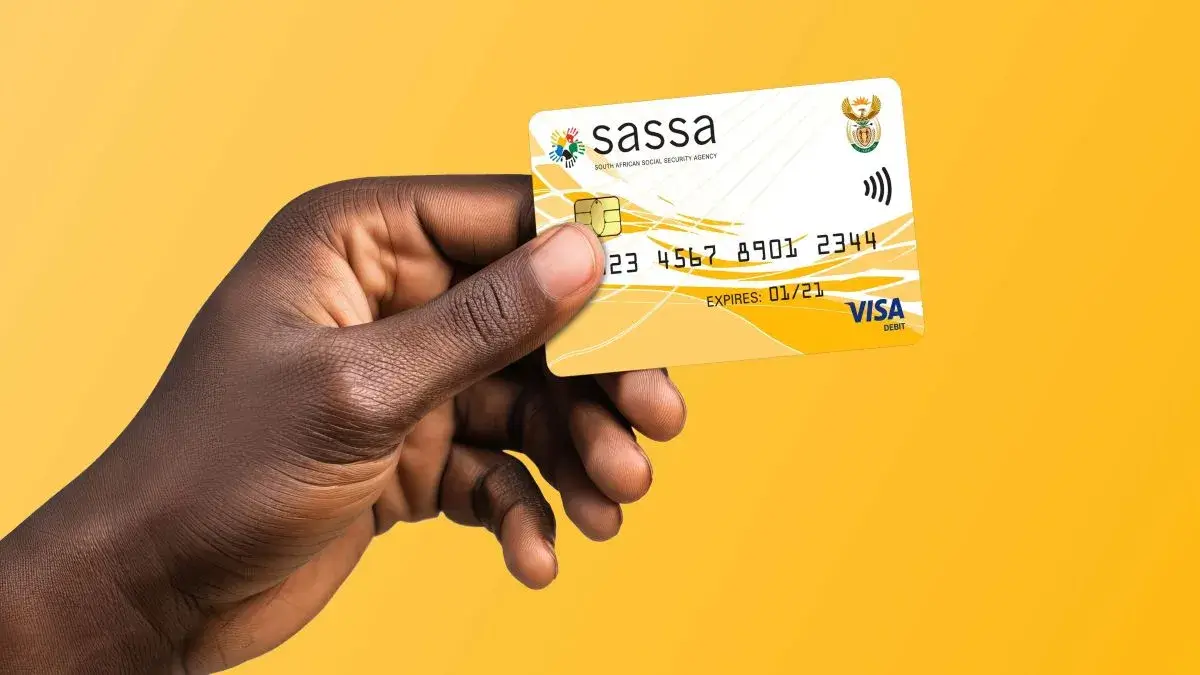
If you’ve applied for a grant through the South African Social Security Agency (SASSA), it’s important to track your application to know whether it has been approved, declined, or still being processed.
This guide explains how to check your SASSA grant status online, step by step, along with alternative methods and common issues.
Why You Should Check Your SASSA Status
Checking your status helps you:
- See if your application is approved or declined
- Track payment progress
- Identify problems early (such as missing documents)
- Avoid unnecessary visits to SASSA offices
Step-by-Step: How to Check SASSA Status Online
Follow these 6 simple steps:
Step 1: Visit the Official SASSA Website
Go to the official SASSA website:
www.sassa.gov.za
Step 2: Go to the “Check Status” Section
On the homepage:
- Look for “Check Your Application Status”
- Or navigate to the grants/services section
Step 3: Enter Your Details
You will be asked to provide:
- Your South African ID number
- Your cellphone number used during application
Make sure the details match your application exactly.
Step 4: Submit Your Information
Click the “Submit” or “Check Status” button.
Step 5: View Your Status Result
Your application status will appear on the screen.
Common statuses include:
- Pending – Your application is still being processed
- Approved – Your grant has been approved
- Declined – Your application was unsuccessful
- Referred – Additional verification is required
Step 6: Check Payment Details
If approved, you may also see:
- Payment dates
- Payment method (bank account, SASSA card, etc.)
Understanding Your SASSA Status
Pending
Your application is still under review. This can take up to 90 days.
Approved
Your application has been successful. Payment will be processed.
Declined
Your application did not meet requirements. You can appeal.
Referred
SASSA needs additional verification or documents.
Alternative Ways to Check Your Status
If you cannot check online, you can use:
Use the official SASSA WhatsApp number to check your status.
SASSA Office
Visit your nearest office with your ID.
Phone Call
Call the SASSA toll-free number for assistance.
Common Problems When Checking Status
You may face issues such as:
- Incorrect ID or phone number
- System delays or downtime
- No status updates yet
- Application not captured properly
If your status does not appear after several days, contact SASSA.
What to Do If Your Application Is Declined
If declined:
- Check the reason provided
- Correct any issues (if possible)
- Submit an appeal within 90 days
Appeals are important if you believe your application was unfairly rejected.
Final Advice
Checking your SASSA grant status online is quick, free, and easy. It helps you stay updated without standing in long queues.
Always use the official SASSA website and ensure your details are correct when checking your status.