
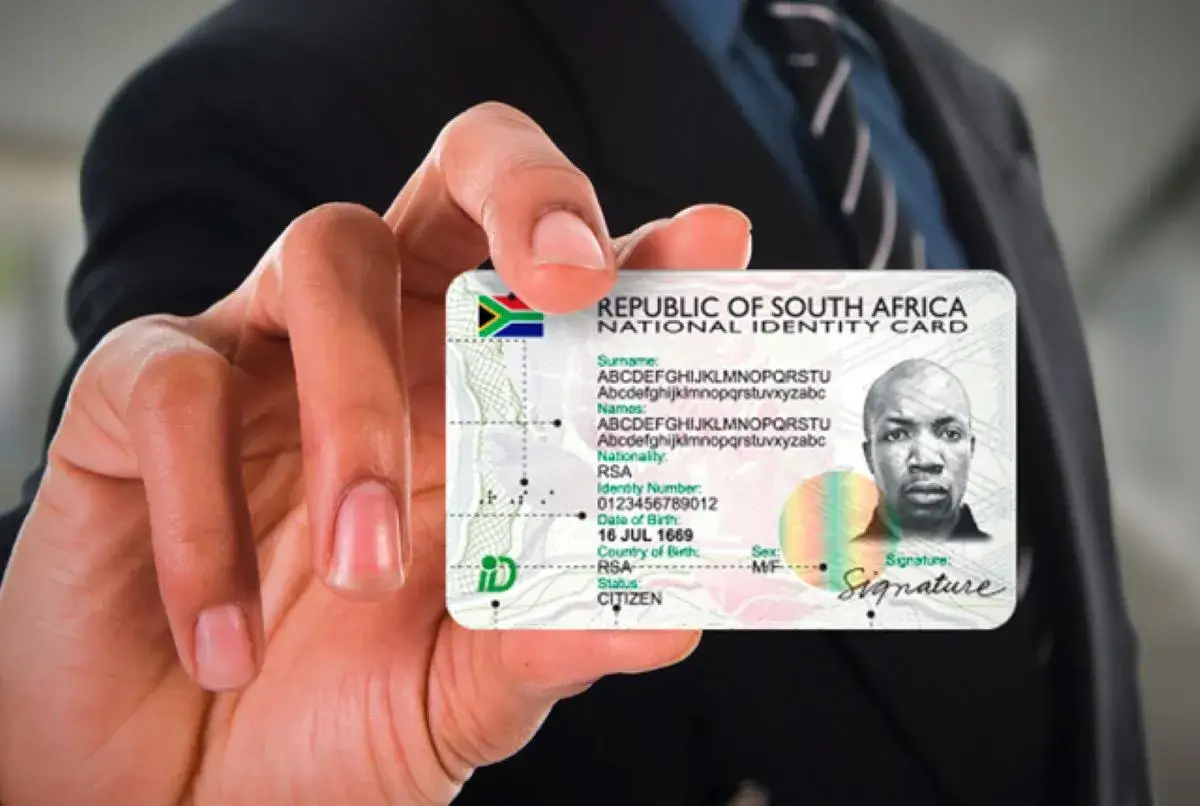
The Department of Home Affairs (DHA) offers an online booking system that allows you to schedule appointments for services like Smart ID cards, passports, and other applications—without standing in long queues.
This guide explains how the Home Affairs booking system works, how to book step-by-step, and tips to secure a slot quickly.
What Is the Home Affairs Online Booking System?
The system (often called BABS – Branch Appointment Booking System) allows you to:
- Book an appointment at selected Home Affairs offices
- Apply for Smart ID cards and passports
- Avoid long queues
- Choose a convenient date and time
Some services are also available at partner banks through the eHomeAffairs platform.
Services You Can Book Online
You can use the system for:
- Smart ID card applications (first-time or renewal)
- Passport applications (new or renewal)
- Collection of documents (in some cases)
Step-by-Step: How to Book an Appointment Online
Follow these 10 steps:
Step 1: Visit the eHomeAffairs Website
Go to:
www.dha.gov.za
or search for eHomeAffairs South Africa
Step 2: Register an Account
Click on “Register” and provide:
- Your ID number
- Full names
- Email address
- Cellphone number
Create a username and password.
Step 3: Log In
After registering:
- Log in using your username and password
Step 4: Start a New Application
Select the service you need:
- Smart ID card
- Passport
Step 5: Complete the Application Form
Fill in all required details:
- Personal information
- Contact details
- Application type
Make sure everything matches your ID records.
Step 6: Upload Supporting Documents (If Required)
Depending on your application, you may need to upload documents.
Step 7: Make Payment Online
Pay the application fee using:
- Debit card
- Credit card
Online payment speeds up the process.
Step 8: Book an Appointment (BABS)
After payment:
- Select “Book Appointment”
- Choose your province and office
- Pick an available date and time slot
Step 9: Confirm Your Booking
- Review your details
- Confirm the booking
- Save or print your confirmation
Step 10: Visit the Office on Your Appointment Date
On the day:
- Bring your ID
- Bring booking confirmation
- Complete biometrics (photo and fingerprints)
Can You Use Banks for Home Affairs Services?
Yes.
Some banks offer Home Affairs services, including:
- FNB
- Standard Bank
- Nedbank
- ABSA
You can:
- Book through eHomeAffairs
- Select a participating bank branch
- Complete your application there
Why You Should Use the Booking System
Benefits include:
- No long queues
- Faster service
- Guaranteed time slot
- Secure online process
Common Problems and Solutions
No Available Slots
- Try early mornings or late evenings
- Check different branches
- Refresh regularly
Payment Issues
- Ensure your card supports online payments
- Retry or use another card
Login Problems
- Reset your password
- Ensure correct details
Important Tips
- Arrive at least 15–30 minutes early
- Bring all required documents
- Do not miss your appointment
- Keep your booking reference safe
Final Thoughts
The Home Affairs Online Booking System makes it easier to apply for Smart IDs and passports in South Africa. By booking online, you save time, avoid queues, and get faster service.
Always use the official Department of Home Affairs website and ensure your details are correct when making a booking.